
Contact us
Fill in your details, and we'll be in touch soon.
Fill in your details, and we'll be in touch soon.
För instruksjoner på norska, klikk her.
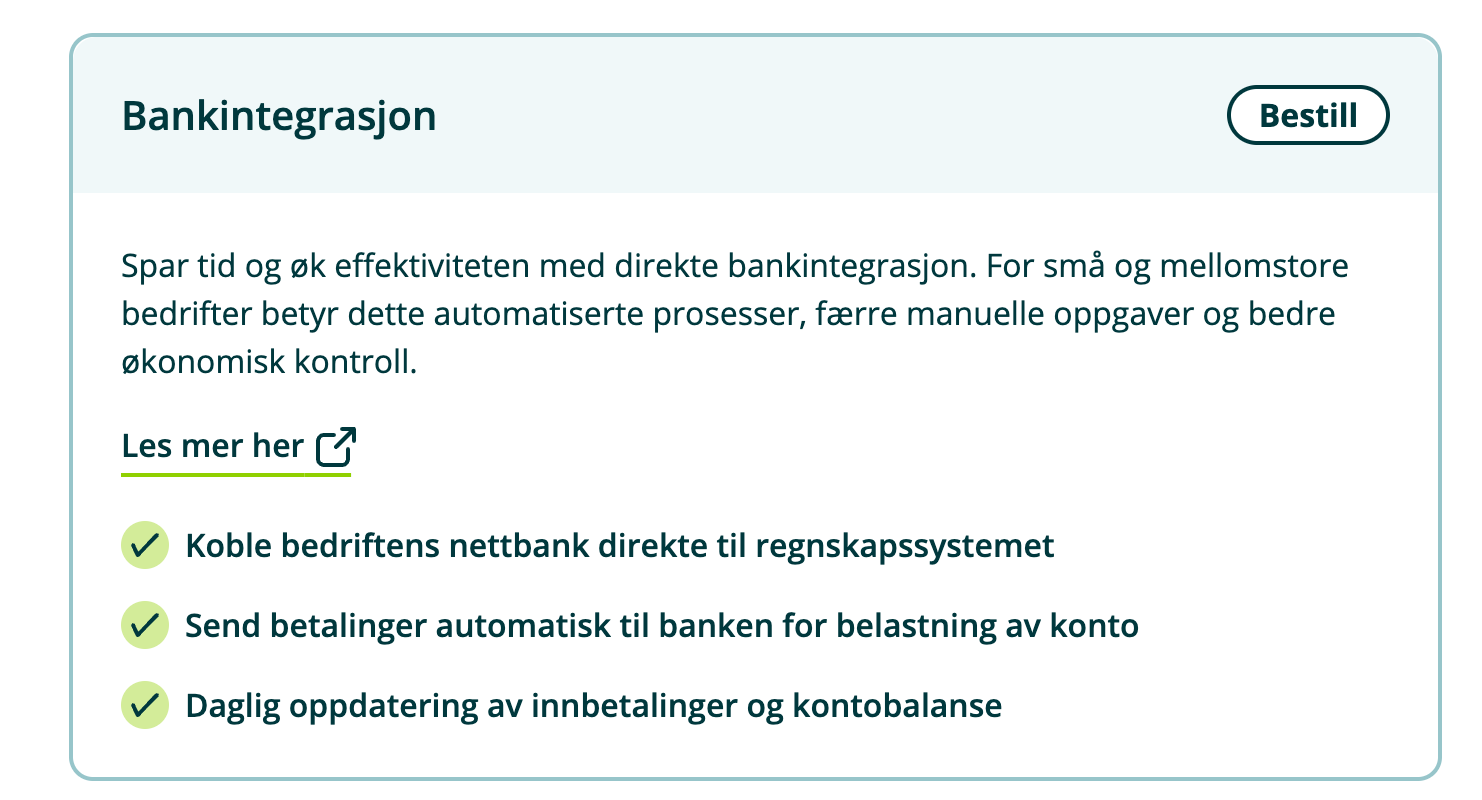
1. Log into the online bank and order the delivery of Camt.054C files under "Order products" in the top menu.

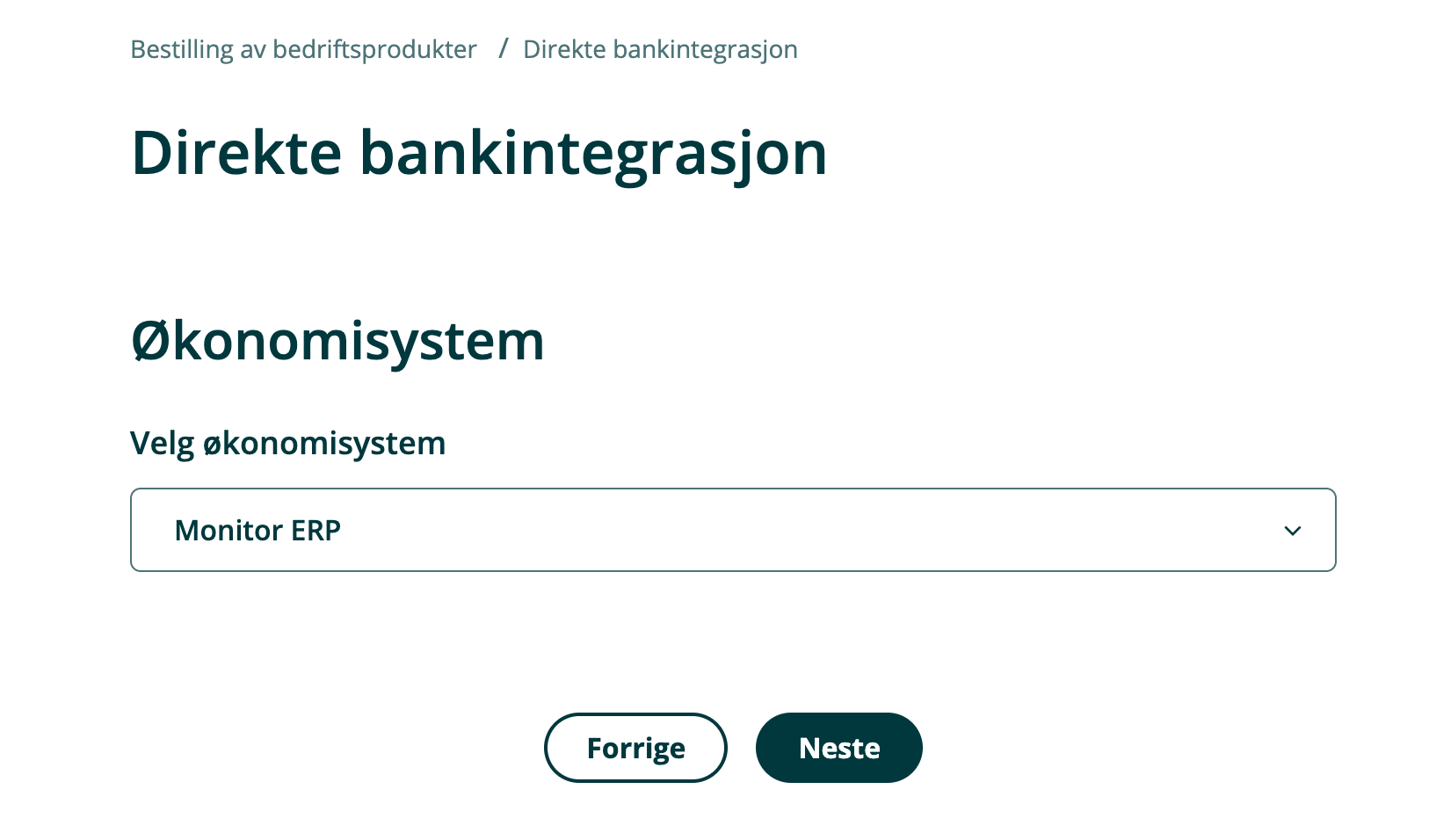
2. Select "Bank integration" and select "Monitor ERP" in the list of business systems.
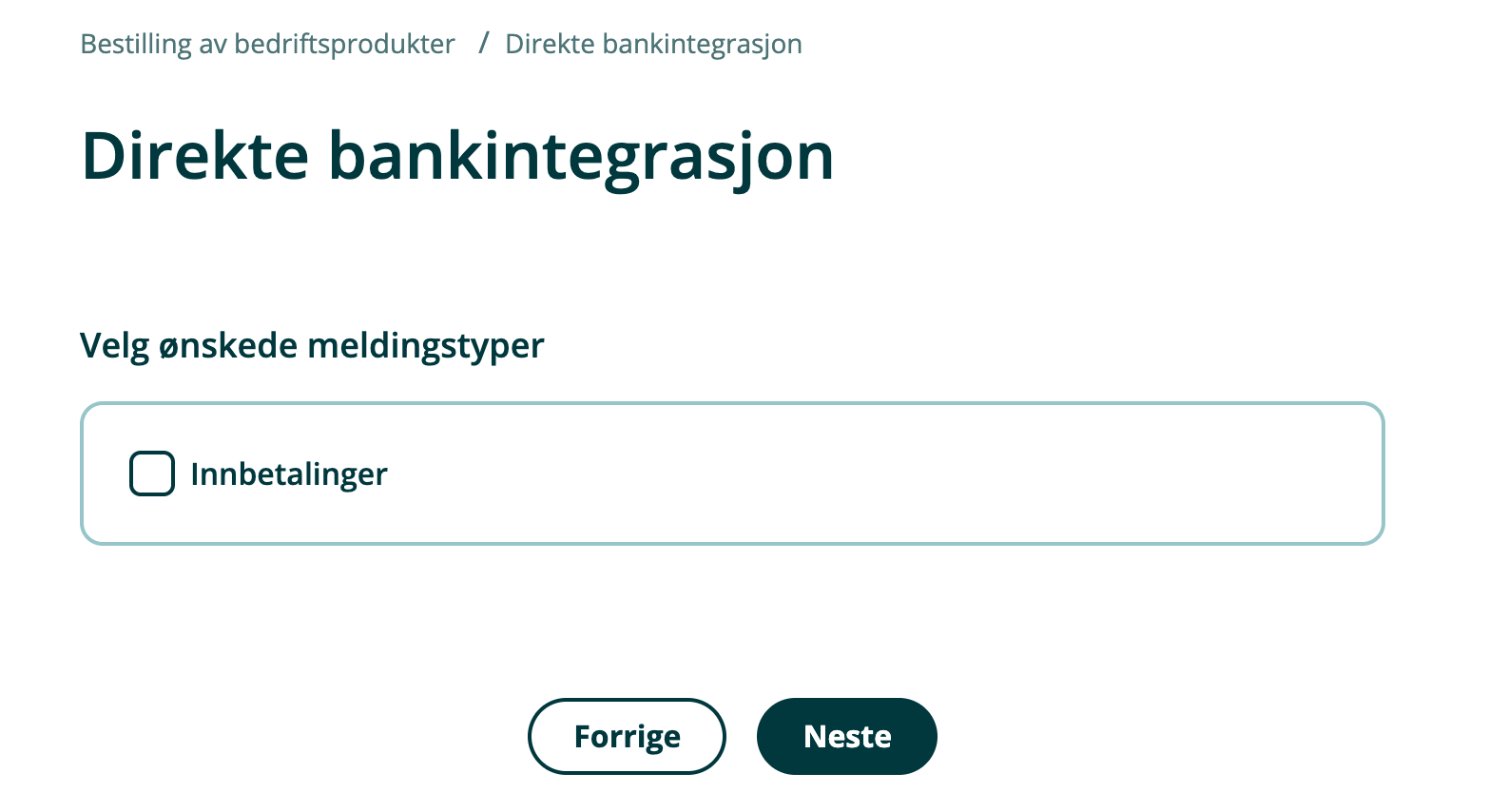
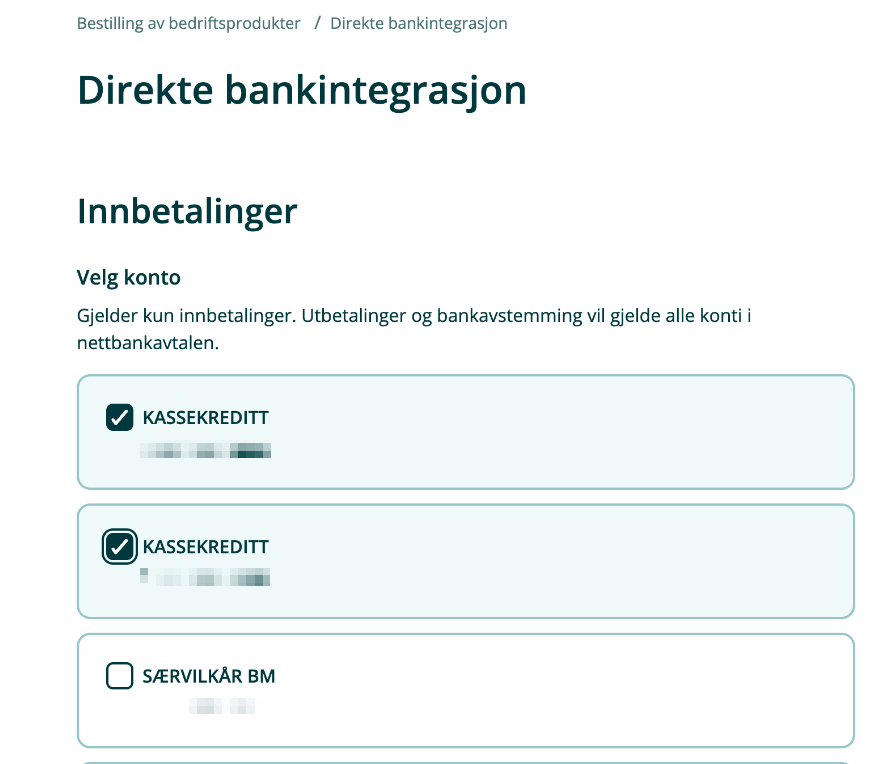
3. Select accounts.
4. The agreement will be sent to the selected signatories for digital signing and will then received by the bank. The agreement will be activated within 1-3 business days after the signing process has been completed.

Open payments Europe AB is a Payment Institute under the supervision of the Swedish Financial Supervisory Authority. Copyright © 2019 Open Payments Europe AB. Cookies